Note: I am quickly writing this post at the end of J-term, so it will not be as in-depth or well written as past posts until I have time to re-write it
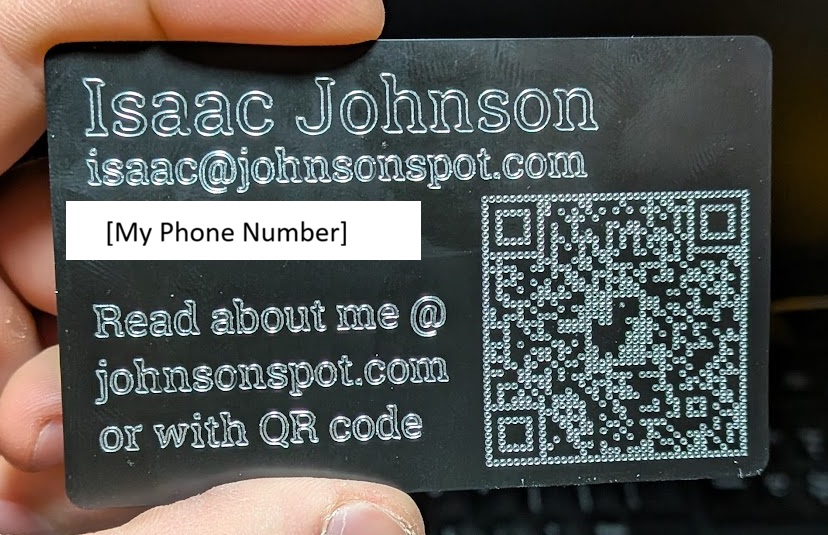
I was having lunch with some previous mentors from my old robotics team who were passing by my college and somehow the topic of a business card launcher came up. Eventually I’ll make one since it seems fun, since it would need business I figured I’d make some over break.
Workholding
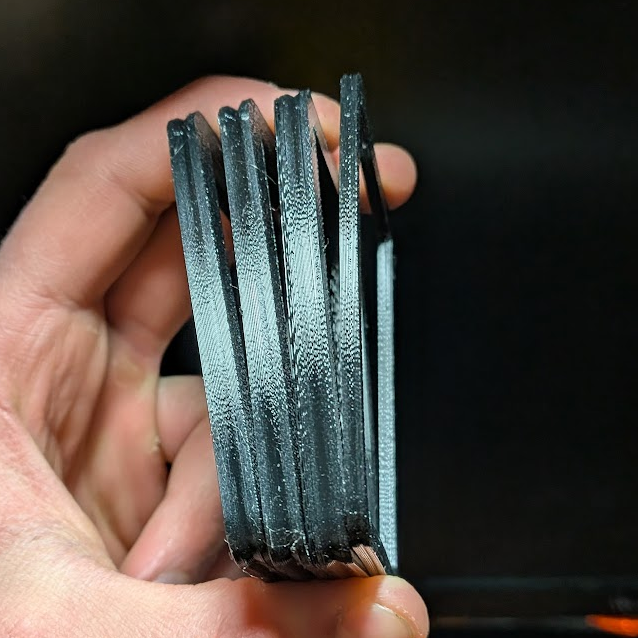
The only machines I have at my disposal are a 3D-printer, a normal printer, and a CNC router; of these, business cards made with the latter would be the most interesting and impressive. I ordered a cheap pack of blanks off of amazon, which ended up being .009″ thick. To hold these onto the router table, I planned on making a vacuum fixture that I hope to later use with other projects.
I started out by making compressible gaskets out of TPU to ensure a good seal, iterating on internal and external geometry to get a level of compression that I liked. After that, I designed an interface between the card and vacuum. It has an attachment spot that’s compatible with the vacuum hooked up to the router table, which has a channel leading to the holding area. Testing it showed that I needed to evenly spread out the vacuum’s suction, red markings showing where I wanted to add holes. I also learned that the business cards were thin enough that they deformed, with the pegs I included bending the metal.
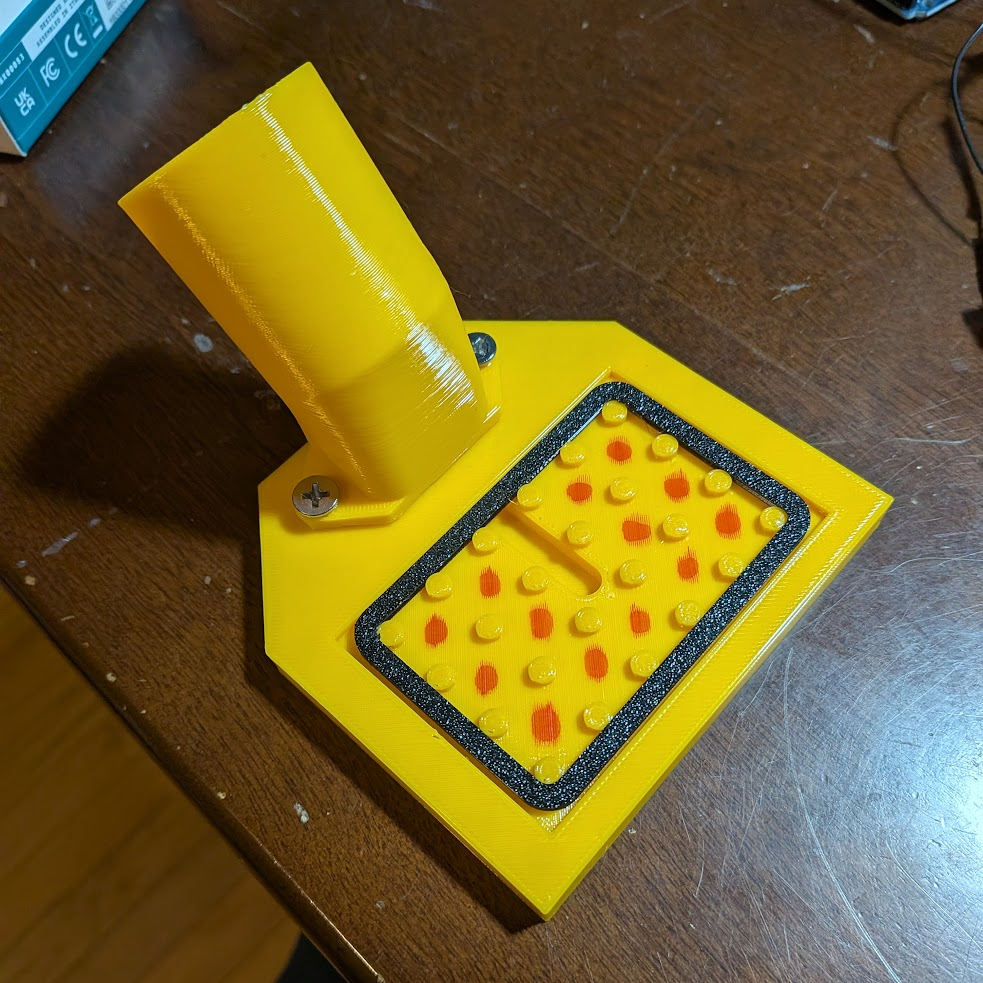
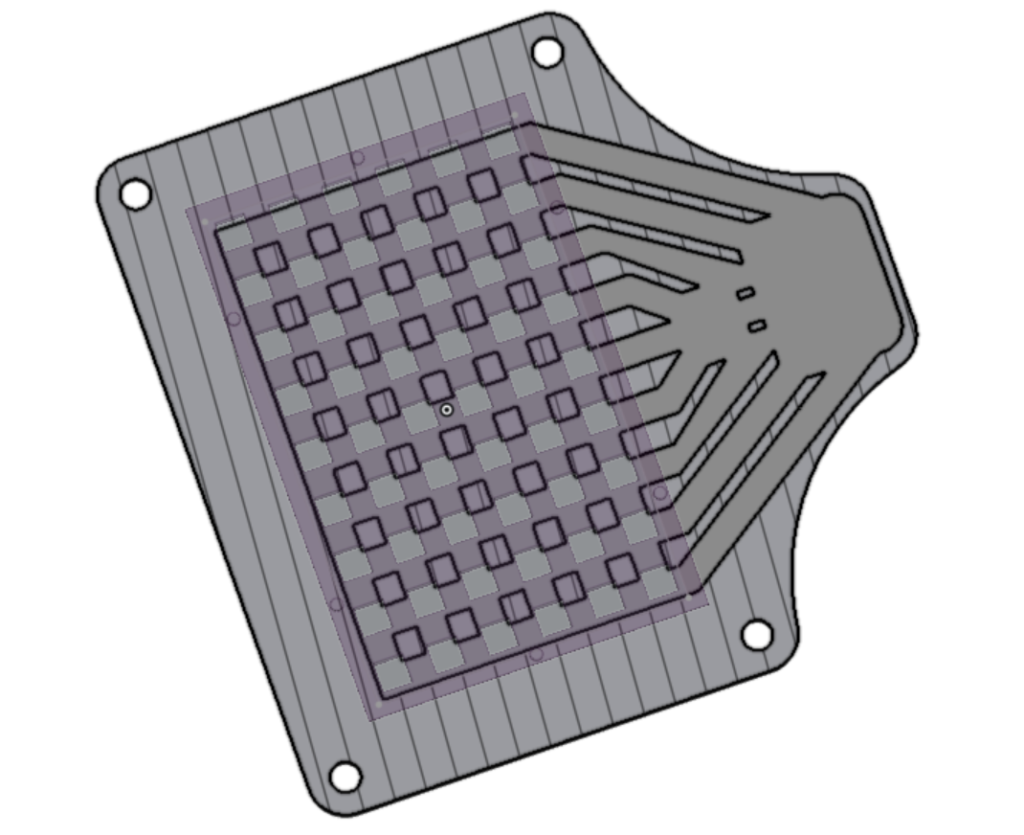
My next iteration had a full TPU backing and many holes for the vacuum to suck air from. Each was connected to the vacuum nozzle via internal channels I included in the model, which I also included on a TPU pad meant to spread out the vacuum suction to the edges and corners. I printed another pad solid to see if that would help prevent the card from bending, which it didn’t improve compared to the the non-solid pad.
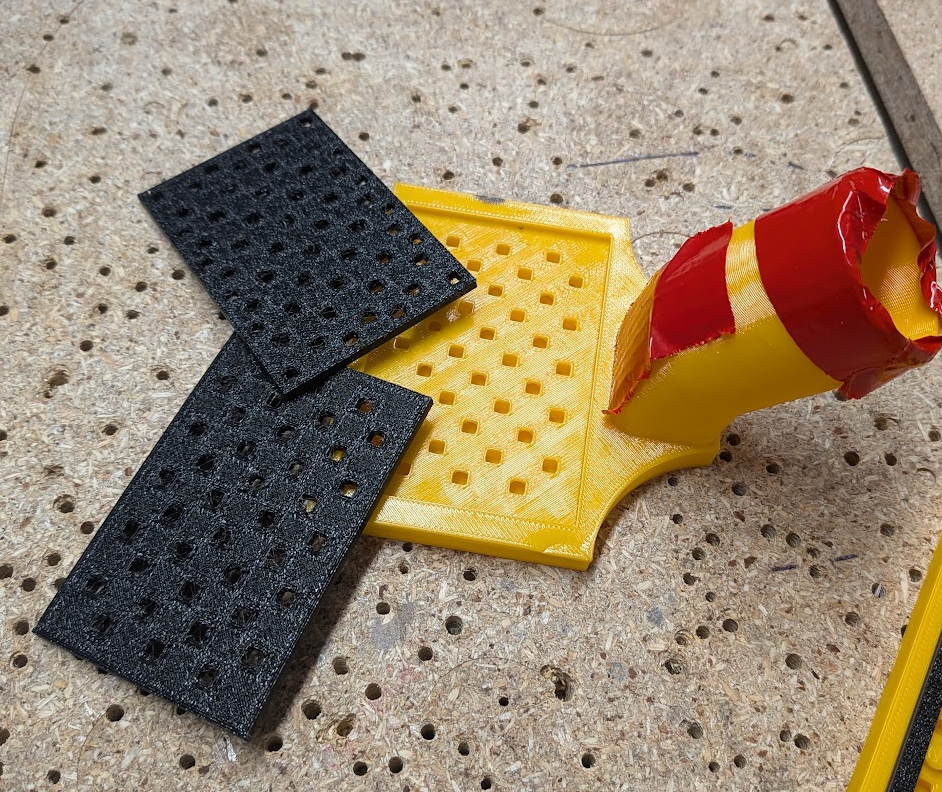
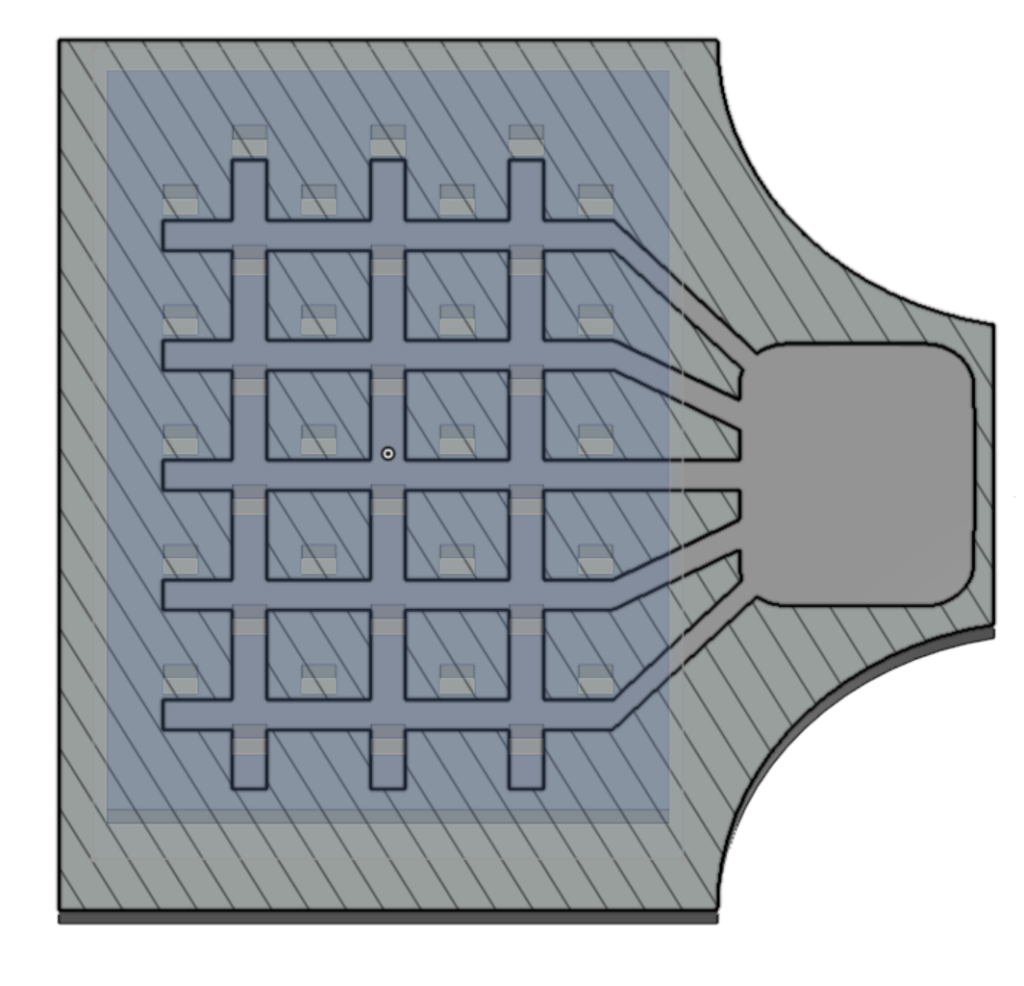
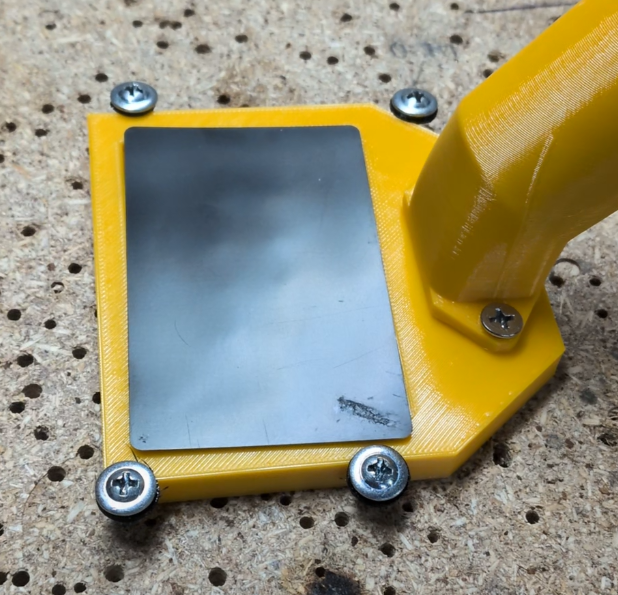
I was ready to try actually engraving a card and seeing if the vacuum was strong enough, but needed to give some clearance for the spindle and add some actual mounting holes to attach it cleanly to the router bed. It held the middle of the card very well, but not at the edges where the engraving tool was able to push it over.
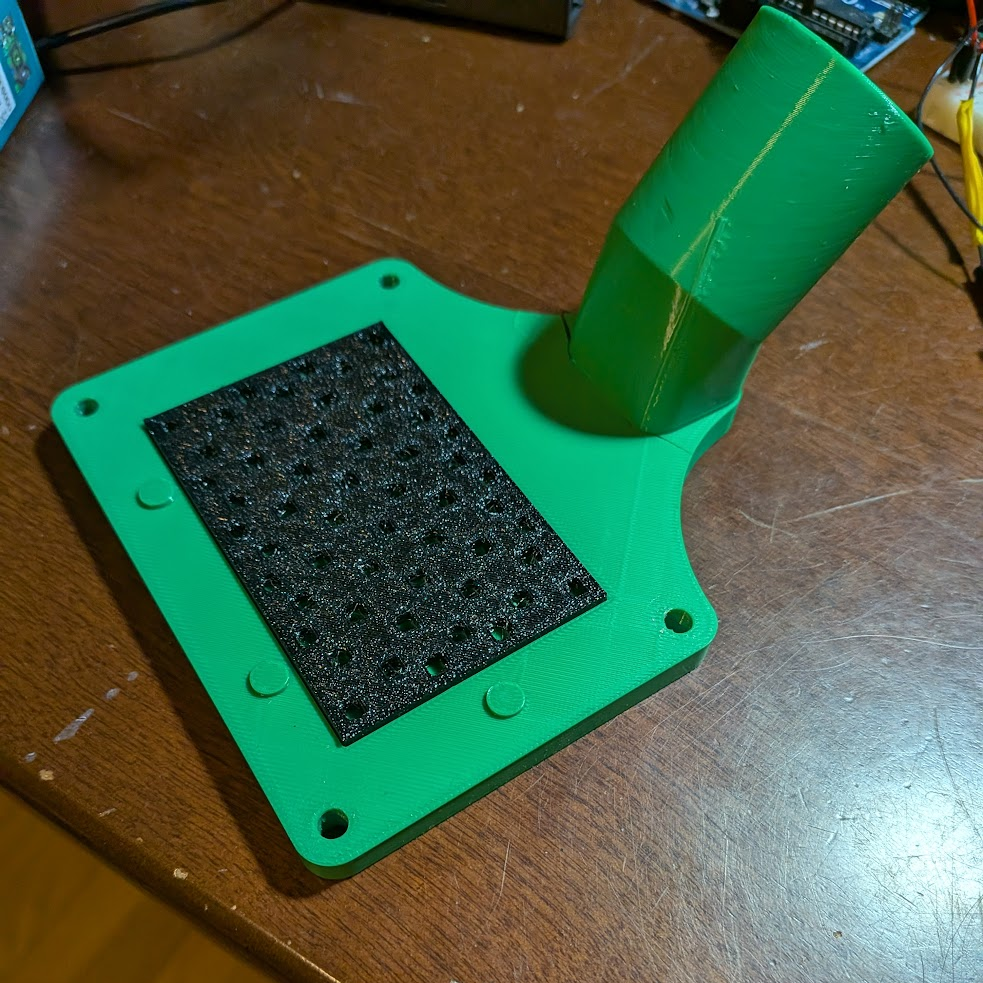
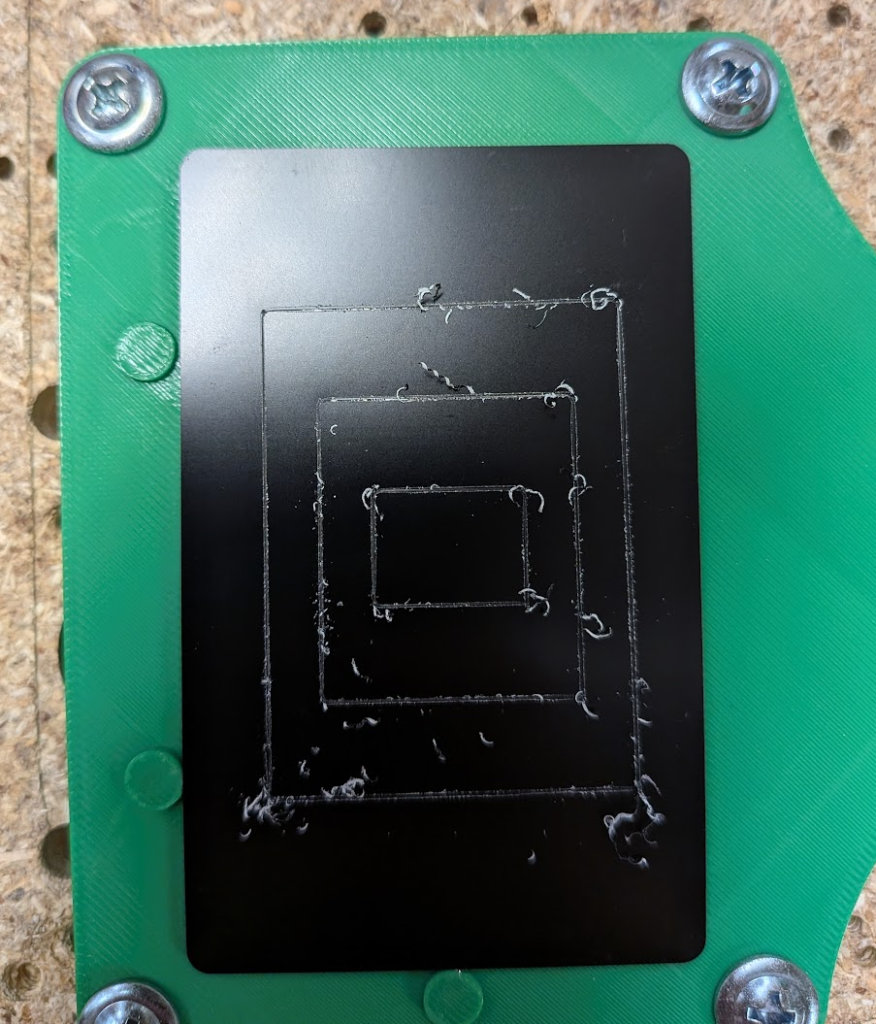
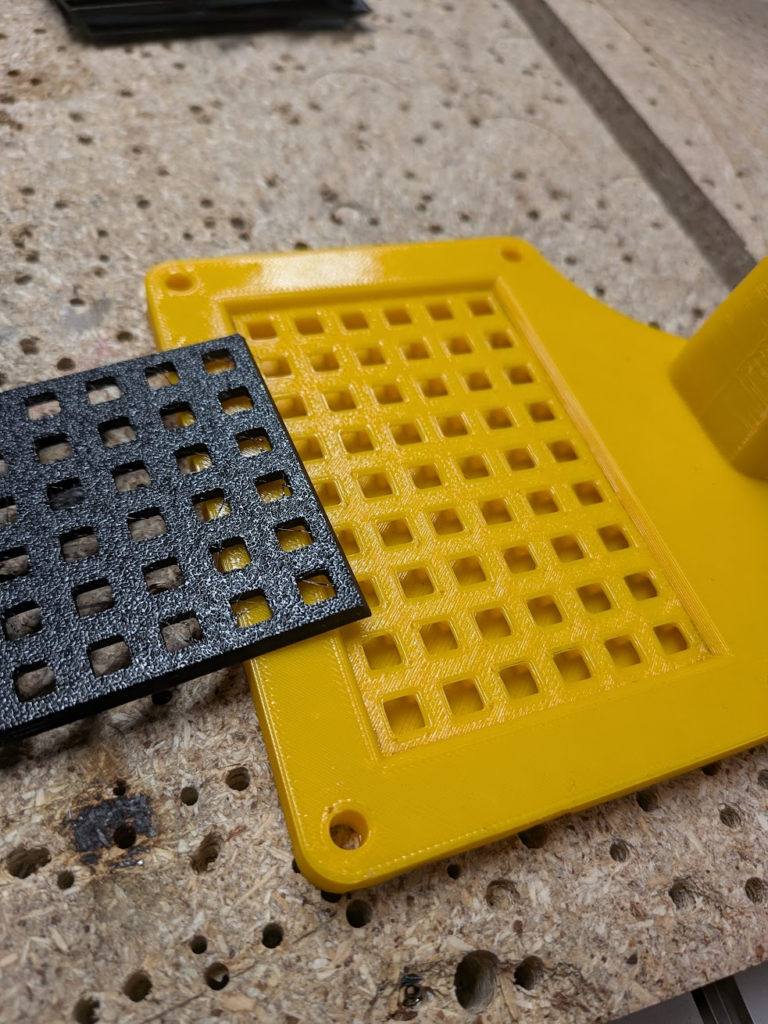
The final vacuum holder I made was wide enough that I could have suction at the very corners of the card and also had much more open internal geometry to hopefully increase suction. In practice it worked pretty well, only shifting a small amount. To combat this, I added locator pegs on the TPU pad all the way around the card that stopped it from moving.
Engraving the Cards
One of the most important things on this card was adding a QR code, which on my initial try went to the main page of this portfolio. I changed it for the next version to be my About Me page, but the process of making it stayed the same.
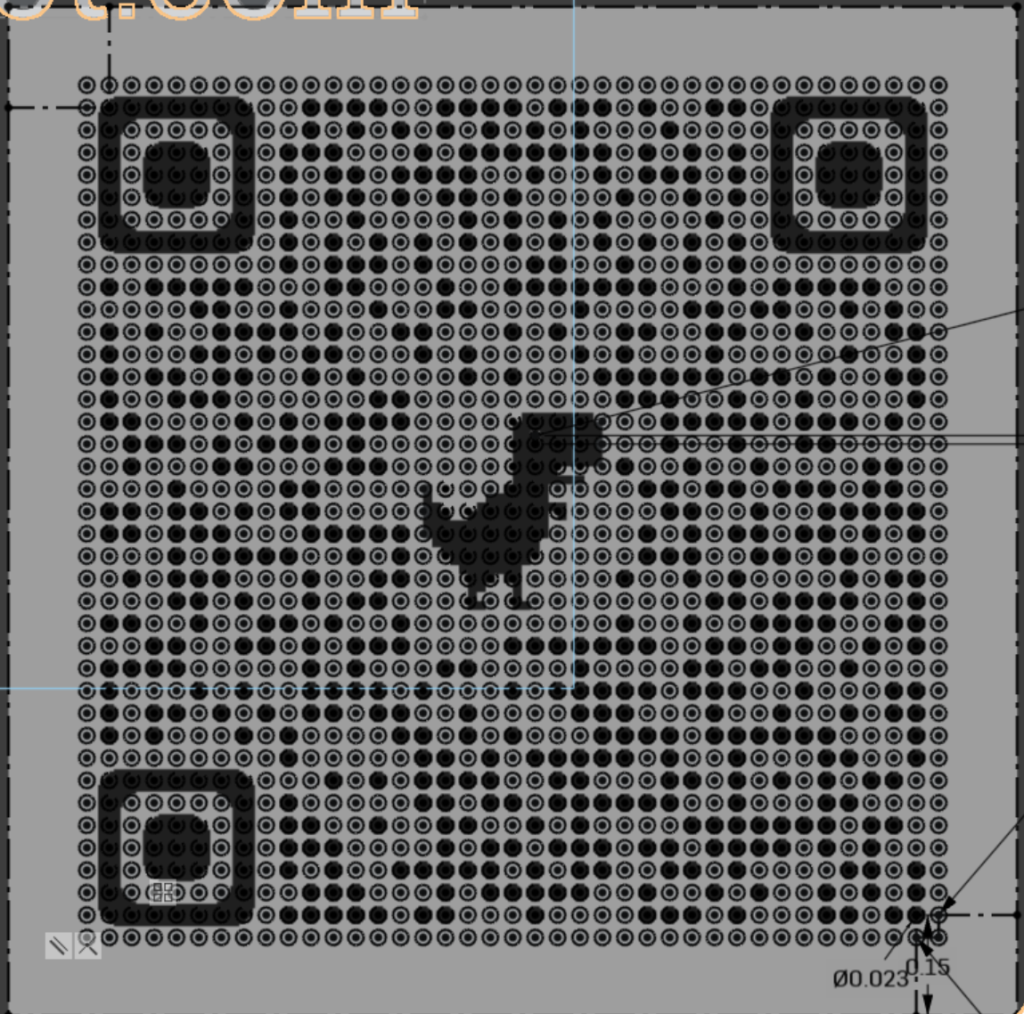
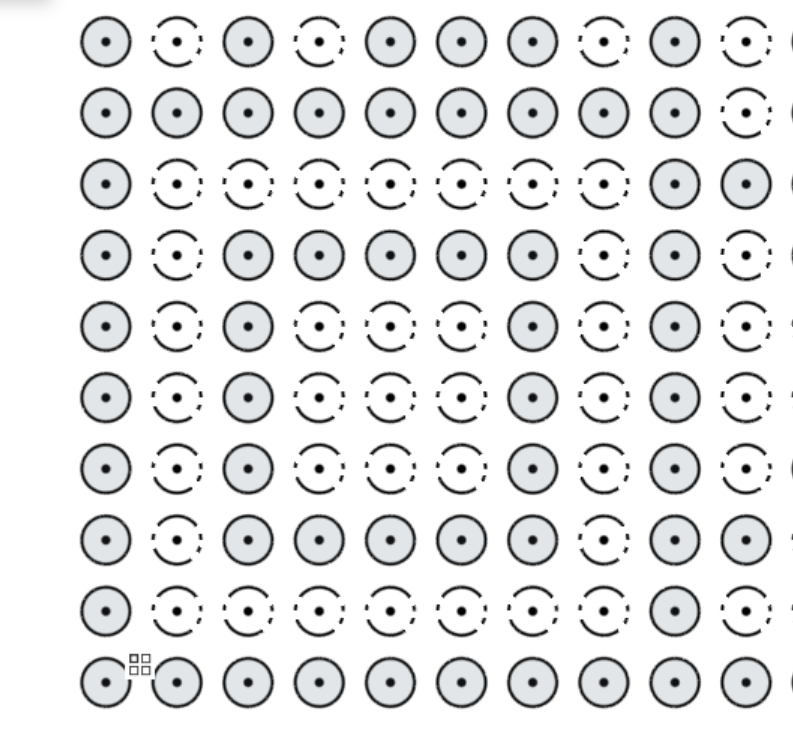
To CNC etch a qr code, I first had to have a STEP model of my card with the curves for one on it. I tried using PNG to DXF and DWG converters online to import usable vectors, but they wouldn’t pick up on the small dots that google generated QR codes use and weren’t very accurate with other features of the code. So, I sucked it up and made the dots and other features manually in Onshape. The easiest way I could come up with was to import the PNG, then aligned a 39 by 39 pattern of construction-circles with it that would act as pixels. Construction geometry isn’t be extruded and consequently won’t be etched, creating the black pixels while the white pixels would be made by extruded circles. Going through the whole grid, I changed all the circles that I could see to be extrude-able (which were black on white, while the black and black ones were construction). When etched, the QR code forms on the black-coated aluminum by each of these circles extruded into the model of the card being used as a toolpath to scrape off the coating; this is also how the characters are formed.
I initially wanted to try engrave both sides of the card, with one side being focused on personal information and the other on this portfolio. Unfortunately, the card blanks consistently etch really poorly on one side so I had to put everything on the other.
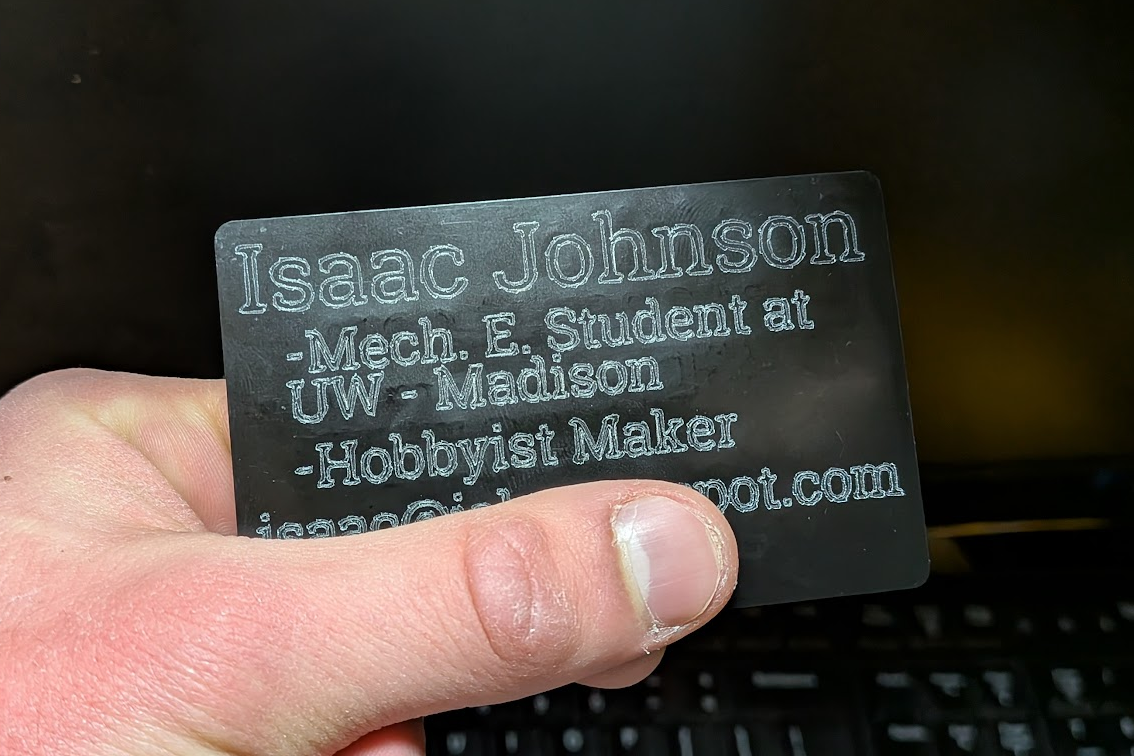
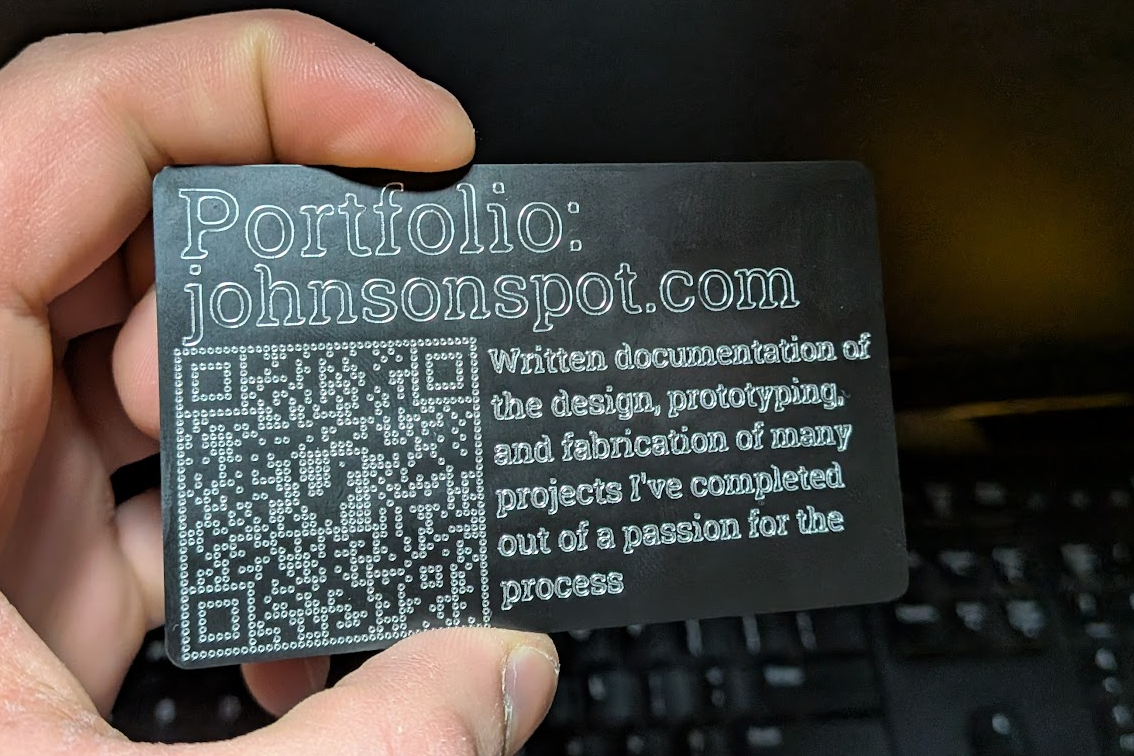
I used the same process with an updated card design, which yielded the final result. One technical change I made was to slightly increase the size of the circles forming the QR code, making the white pixels closer to the size of the black ones and much easier for a camera to read.